Get your Imajbox surveys ready for use.
Imajing Browser is the software for managing and post-processing sequences acquired with Imajbox. It lets you prepare your data after collection, run the processing required to use it in Imajview and publish your processed sequences on Imajnet.
Browse your folders, find the information about your acquisitions and select the sequences to process. Imajing Browser brings together the data needed to identify them: survey date, project, operator and equipment used.
Post-processing combines the positioning data, sensor information and image analysis to compute the position and orientation of each shot. Your sequences are then ready for use and for the measurement functions in Imajview and Imajnet.
Depending on the Imajbox model and the options available, positioning corrections can also be applied after collection to further improve the accuracy of the survey.
Start processing the selected sequences and follow its progress directly from the interface. Statuses and messages show which tasks are complete and flag any issues encountered.
If an error occurs, the detailed processing information and the available reports make it easy to identify the problem and resolve it quickly.
 Processing console
Navigation processing
Optical processing
Imajing Browser offers dedicated processing for data acquired with Imajbox 360 and Imajbox 360HD to prepare panoramic sequences for use in Imajview or Imajnet. Depending on your needs, it can also generate forward-facing or rear-facing sequences from these acquisitions.
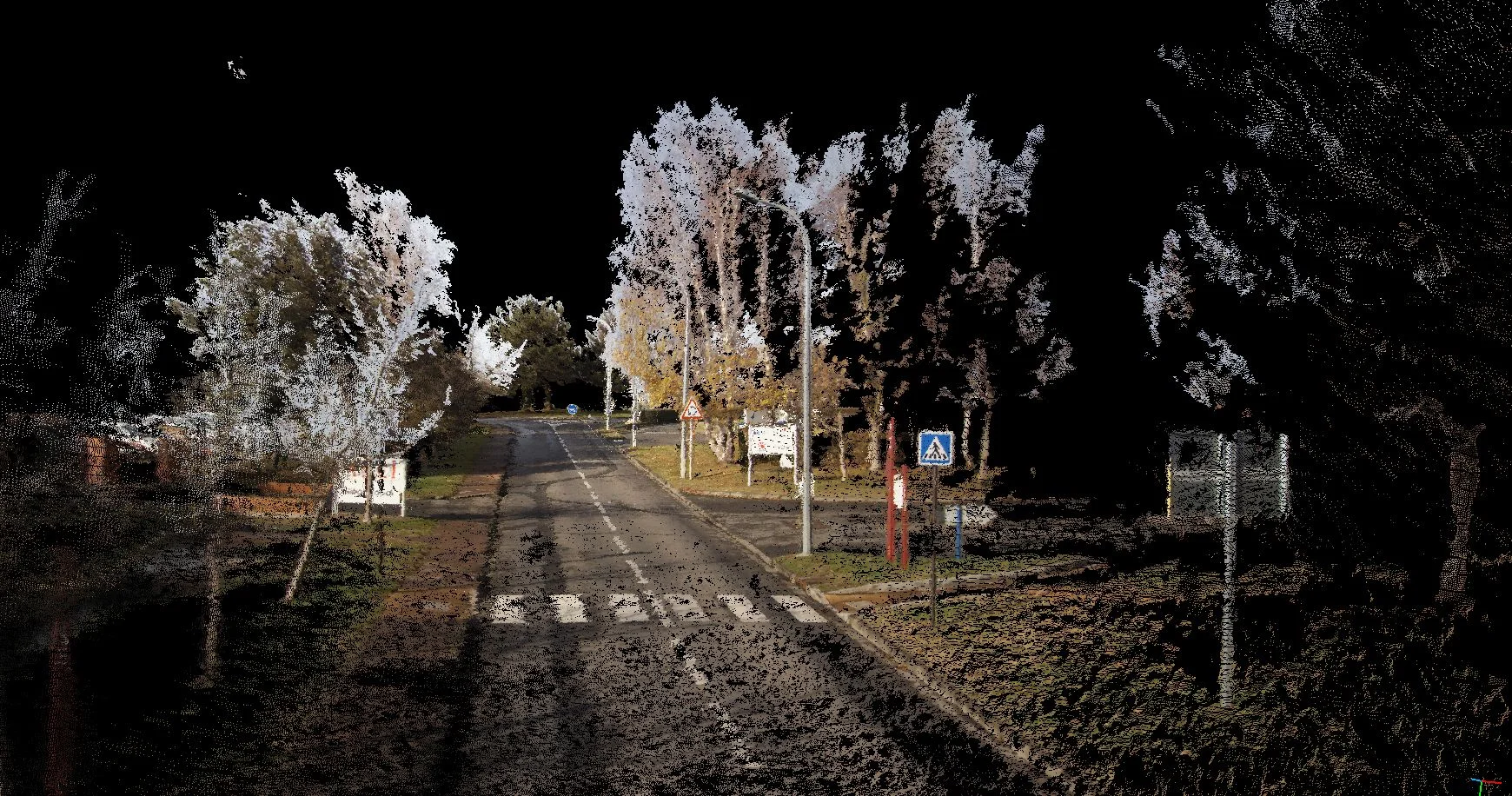
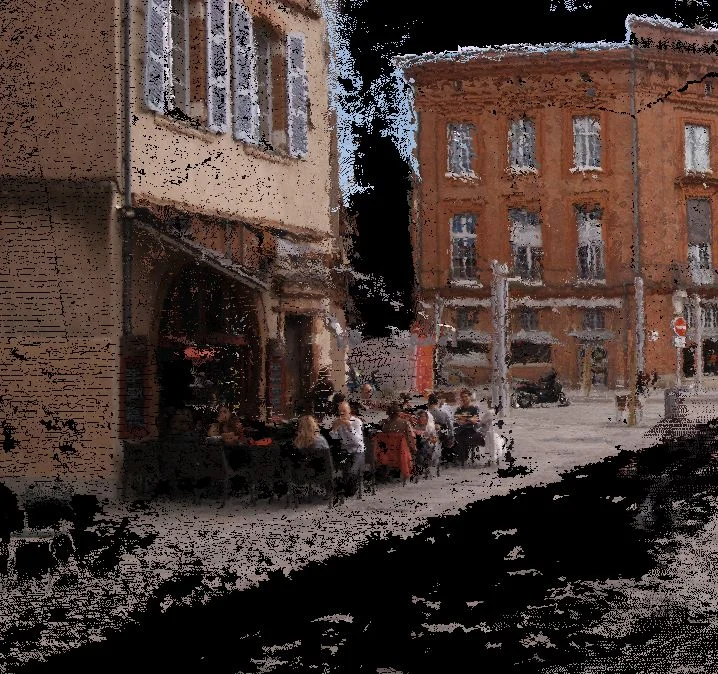
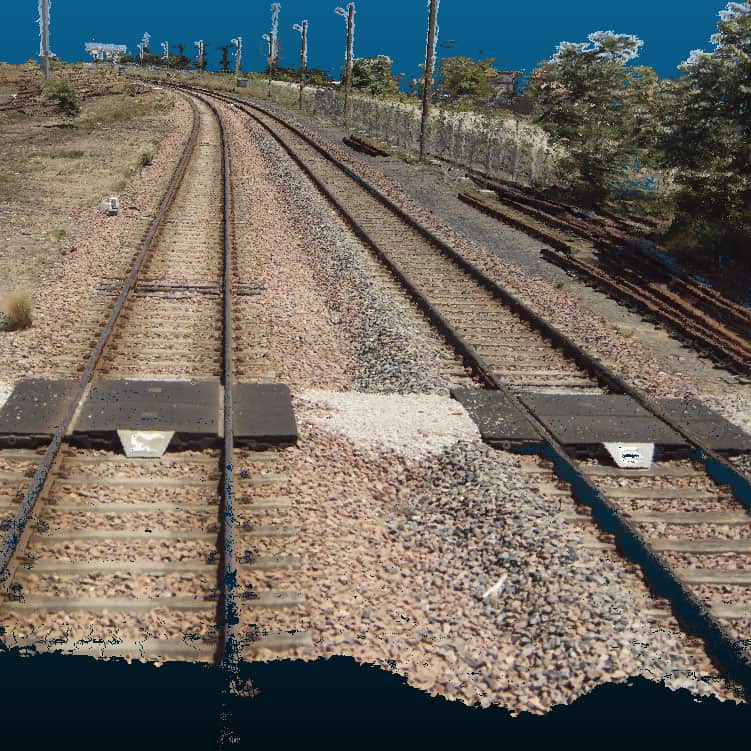
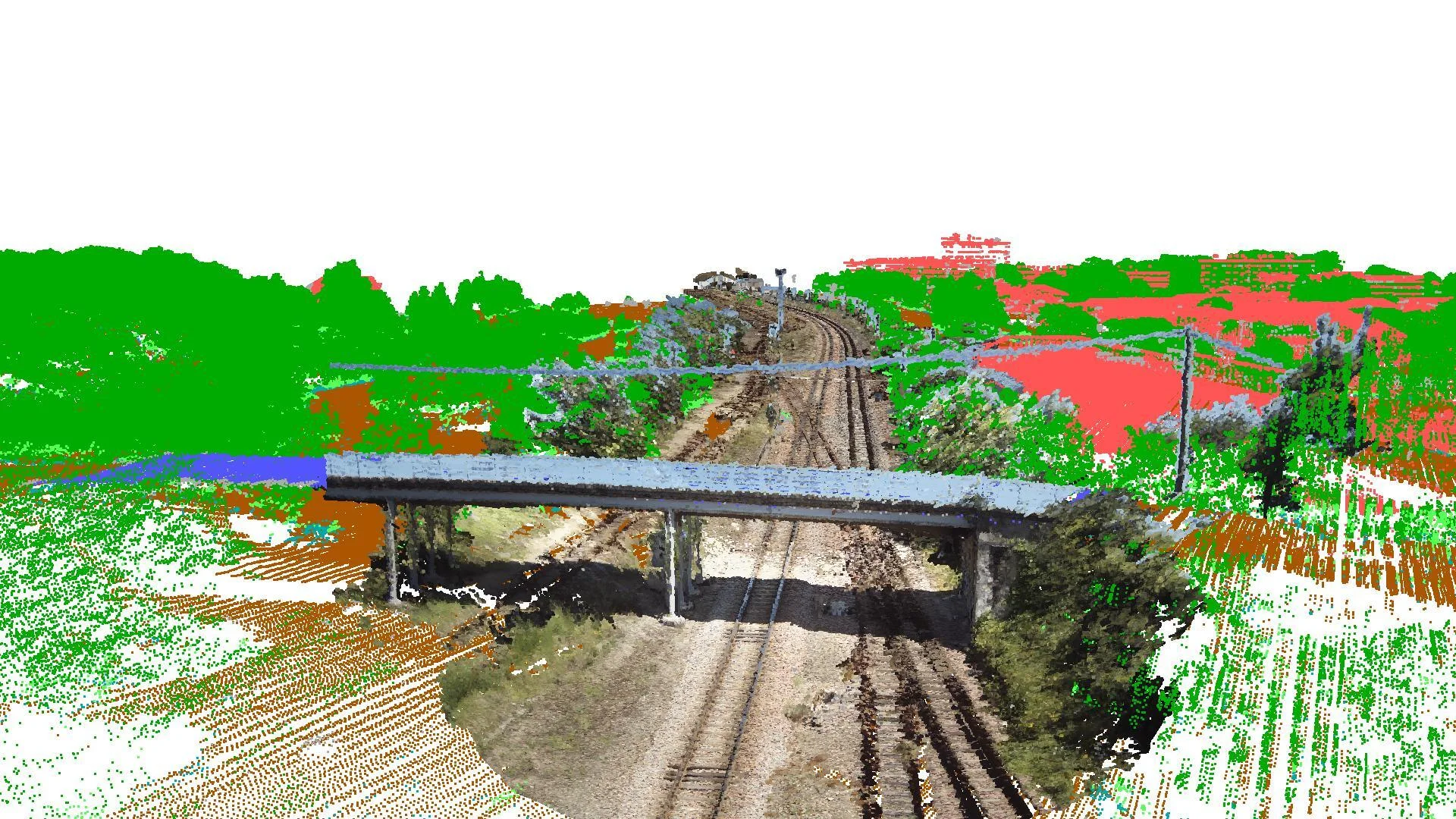
For compatible sequences and with the corresponding Imajing 3D Pro options, additional processing can generate depth maps and point clouds.
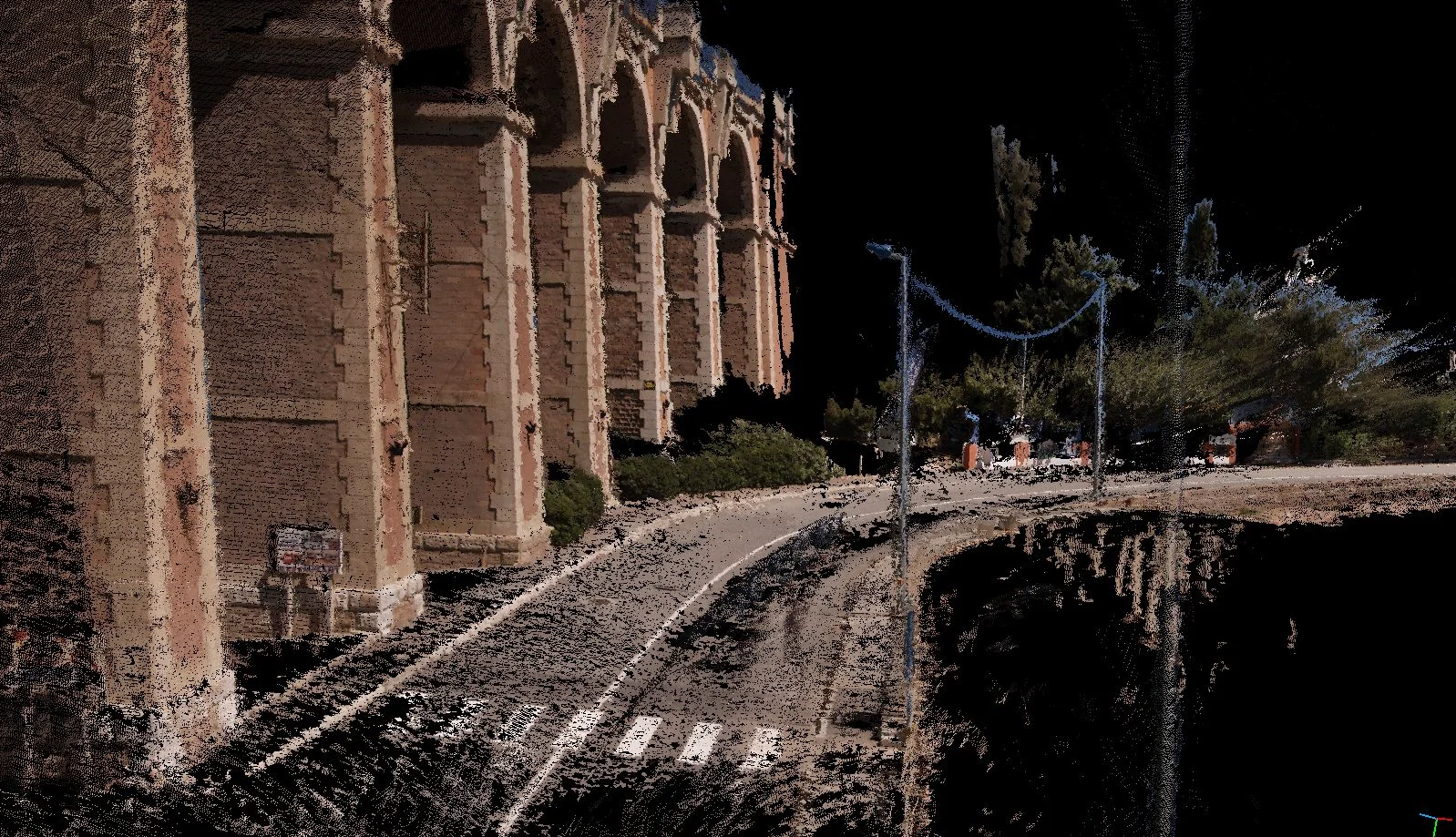
Once post-processing is complete, open your sequences in Imajview to continue working with them.
From Imajing Browser, you can also publish your fully processed sequences on Imajnet, once administrator access has been configured. The upload history lets you find past transfers and check that they ran smoothly, up to the publication of the sequences.